
So.. What is Auracast™?
Auracast™ broadcast audio is a new capability of Bluetooth ® ️LE that allows one source to stream to many devices at the same time. Think of it like a “silent PA system” but one that you can actually hear through your hearing aids, cochlear implants, headphones or smartphone.
Unlike traditional Bluetooth®, which connects one-on-one, Auracast™ enables one-to-many streaming. You don’t need to pair devices or change settings, just scan, tap, and listen. It’s like Wi-Fi, but for sound.
Next Generation of Assistive Listening is Here
Bettear Auracast™ streaming technology ensures every listener can fully engage with the moment no matter the space. From conference halls and theatres to universities, worship spaces and public venues, Bettear delivers inclusive, high quality audio that elevates experiences, ensures every voice is heard and brings every visitor into the moment.
Watch the Auracast™ meets ProAV webinar to learn what sets Bettear apart is its ability to go beyond accessibility, providing Auracast™ and streaming solutions for:
- Live Audio Streaming
- Assistive Listening
- Tour Guiding
- Secure Audio in confidential spaces
- Speech-to-Text Optimisation
- Audio Personalisation (DAP)
- Translation and more
Auracast™ How It Works
- A venue (theater, museum, or transit hub) installs an Auracast™ compatible transmitter.
- The transmitter broadcasts audio such as announcements, music, or speech.
- Users join the broadcast using their smartphone, hearing aids, cochlear implants or other compatible devices.
- The results? Real-time audio that is clear, reliable, and personal.

STEP 1
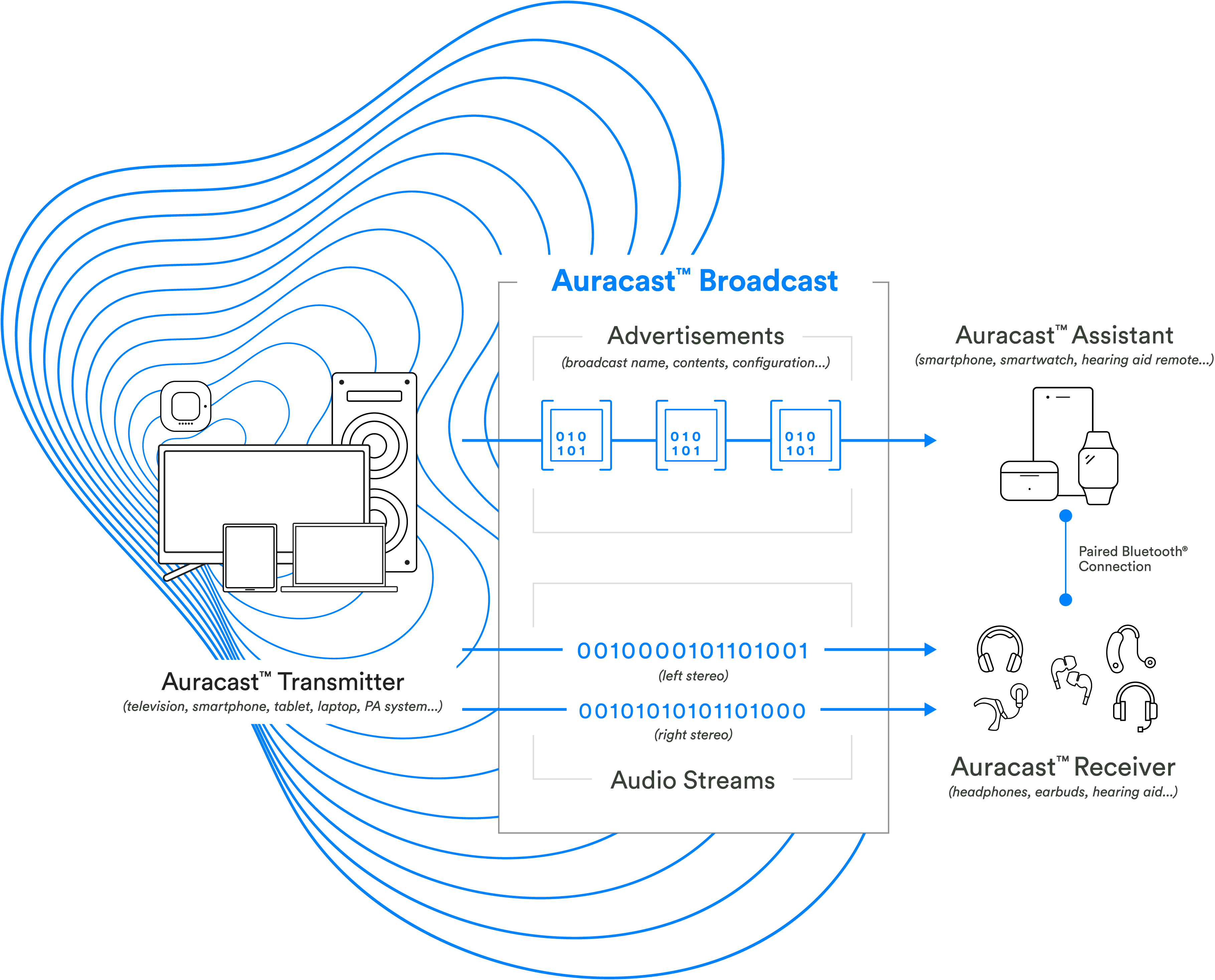
An Auracast™ transmitter begins an Auracast™ broadcast that includes advertisements, which provide Auracast™ assistants with information about the broadcast (e.g. name, content, codec configuration, etc.), as well as one or more audio streams (e.g. left and right stereo audio streams).
STEP 2
Auracast™ assistants scan for Auracast™ advertisements and provide a user interface (UI) to enable users to select an Auracast™ broadcast to join, similar to the UI commonly used to connect to Wi-Fi networks in public spaces.

STEP 3
Once an Auracast™ broadcast is selected, the Auracast™ assistant provides the Auracast™ receiver (e.g. headphone, earbud, hearing aid, etc.) the information it needs to join the Auracast™ broadcast.
Why Auracast™ matters:
Auracast™ is more than just a Bluetooth upgrade, it is a significant leap forward in audio accessibility.
- Universal access: works across hearing aids, cochlear implants, headphones and smartphones. No need for special receivers.
- Ease of use: Join by scanning a QR code, selecting from a list, or auto-joining a saved stream.
- High-quality, precise audio in concerts, lectures, or stadiums – No matter where you sit.
- Use during tours, in museums, or with guided groups – Listen directly from your own devices without extra equipment.
- Consistent quality: Delivers low-latency, reliable sound even in noisy environments, no matter where you sit.
- Personal control: users adjust their own volume and experience discreetly on their own devices.
- Scalability: From small classrooms to massive stadiums, Auracast™ adapts to the space without losing quality.
Where you’ll see it in action:
- Classrooms and Universities – students can listen through their own phones or hearing devices.
- Museums and tours – Multilingual or accessible audio guides without extra equipment.
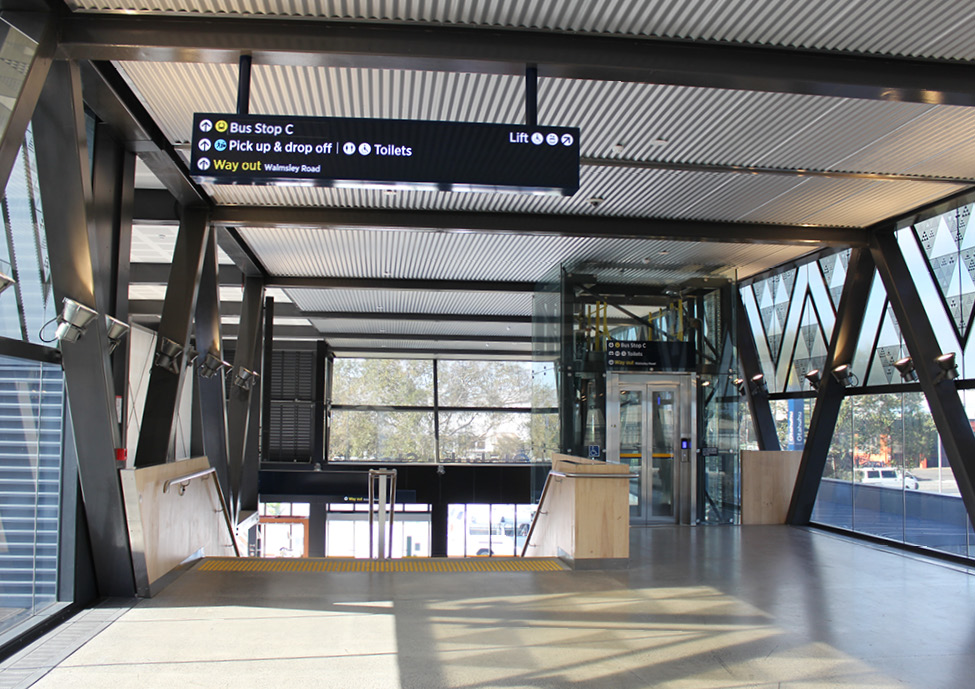
- Transit Hubs – Hear real-time announcements, even in loud crowded spaces.
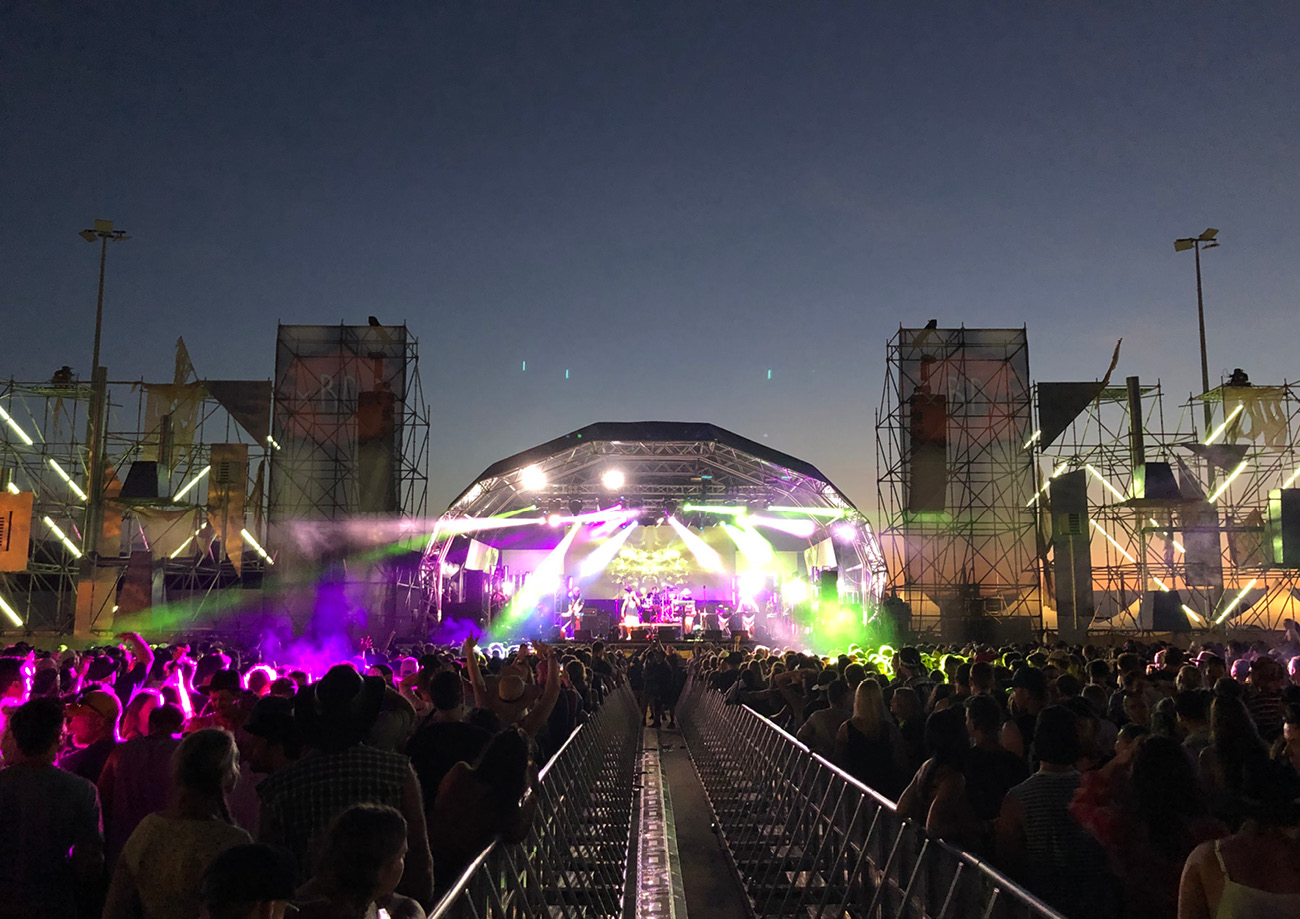
- Event venues – let every seat be a front row seat.
- Hospitals and public offices – Private, clear communication where it matters most.
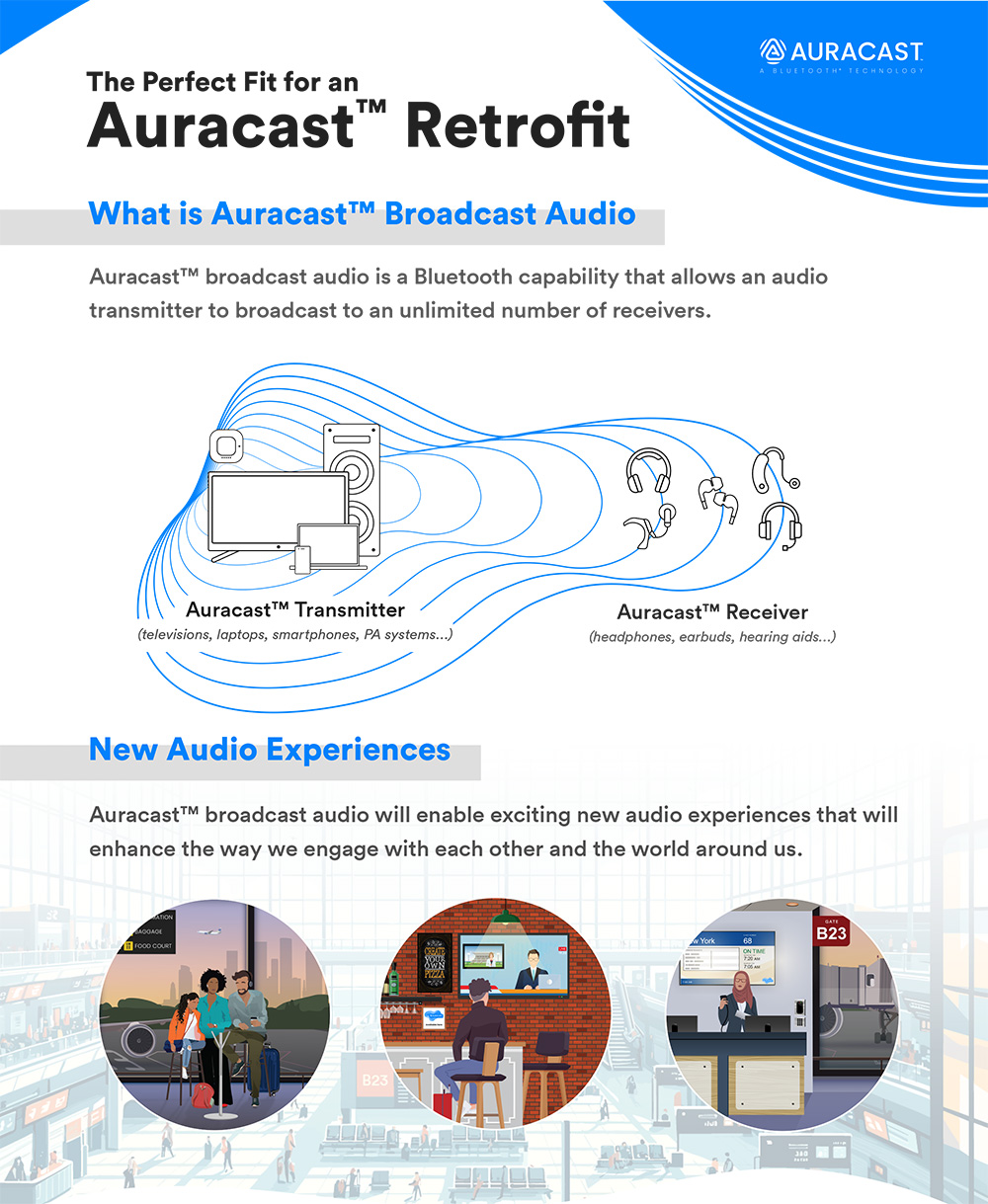
Learn about Auracast™ broadcast audio retrofit solutions and opportunities.
Bettear + Auracast™: A New Era of Inclusive Audio
Bettear are proud to build solutions around Auracast™ technology because it aligns perfectly with their mission: making audio accessible, simple, and inclusive for everyone.
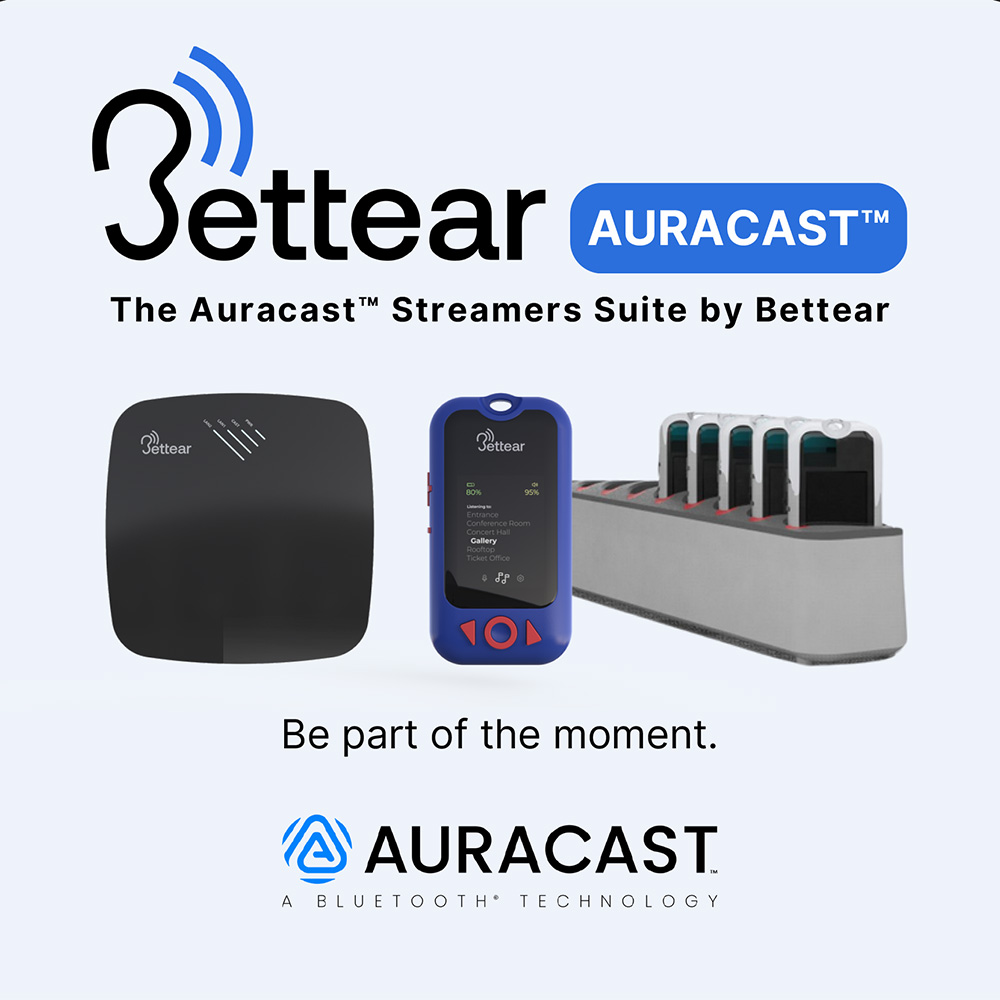
They have already integrated Auracast™ into their product lineup, including B-CASTER and B-RTX, so venues, organisations and individuals can break down barriers and ensure that no one misses a moment, whether it is a speech, a concert, or a simple announcement.
To learn more about how Bettear leverages Auracast™ to deliver superior assistive listening solutions contact us for a personalised demo to explore how we can make your space Auracast™ ready.
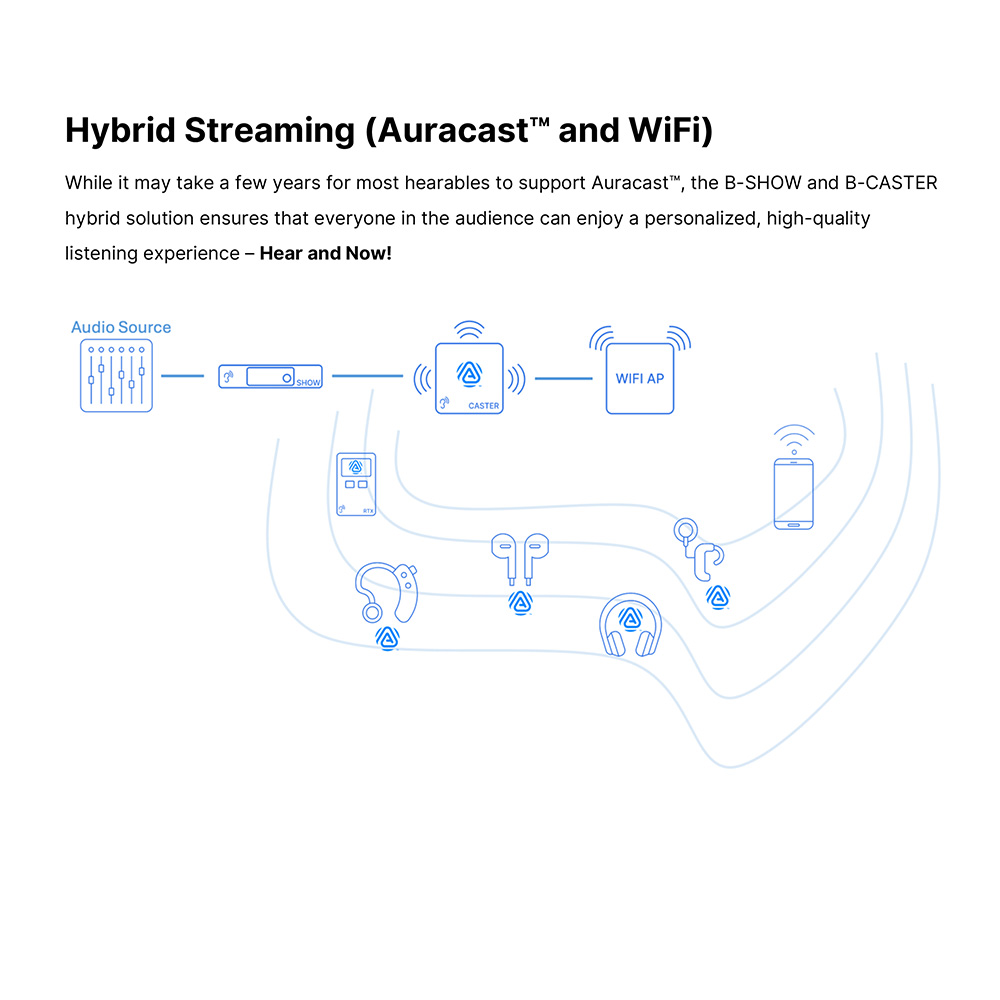
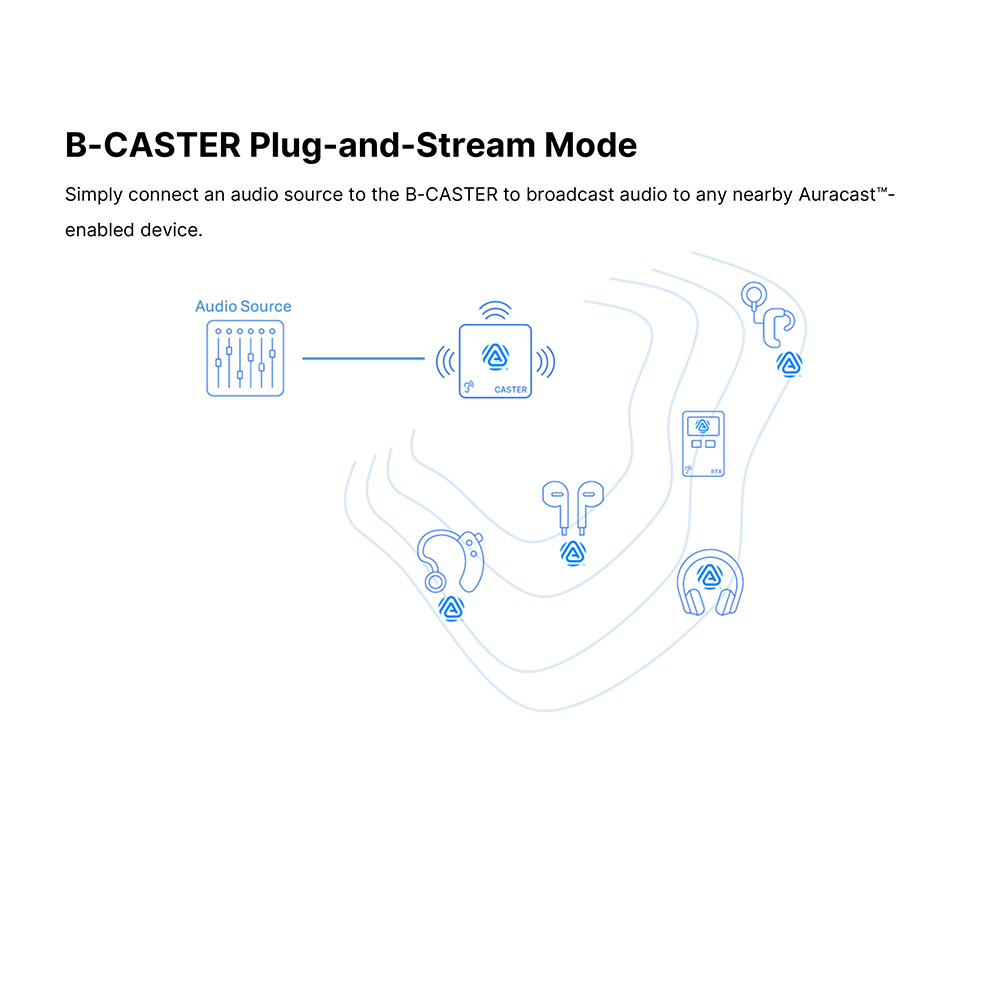
Bettear Auracast™ Features
- Audio Streaming Over Auracast™ | Comprehensive support for Auracast™ broadcasting
- Near Real-Time Audio Streaming | Streaming real-time (<40mS) audio over Auracast™
- Cascadable Power over Ethernet (PoE) | Two units (B-CASTER and Wi-Fi APs) can be daisy-chained
- Compatibility with Auracast™ Hearables | Seamless listening for Auracast™-based hearables
- Management Dashboard | A web management dashboard enabling effortless configuration
- Optimal Audio Experience | Exceptional sound quality, enjoyable listening
- Adjustable Audio Settings | Bettear’s free iOS and Android assistive listening application provides seamless control over Auracast™ settings
Frequently Asked Questions
The range will vary depending on environmental factors and receiver specification i.e. earbuds or hearing aids may perform differently to Bettear’s B-RTX (a dedicated Auracast™ Transceiver)
Each B-Caster broadcasts over 100 meters in all directions. For greater coverage, a B-Caster-S can be used in a daisy chain to expand the range.
It depends on the hearing aid/cochlear implant manufacturer, but most commonly you would use their mobile app on a smartphone or tablet to connect to the Auracast broadcast. The B-Caster would appear in the Bluetooth® pairing list of the app, so you’d simply need to connect to the desired source.
Yes. The Bettear system includes a B-RTX Transceiver, allowing anyone to experience hassle-free audio directly from the B-Caster.
The Bettear B-Caster also supports a Standalone Mode for broadcasting exclusively to Auracast-compatible devices.
In Hybrid Mode, the B-Caster, when paired with a B-Show, can simultaneously broadcast over Wi-Fi to any Wi-Fi-enabled device using the free Bettear App, or integrate with traditional hearing loop systems.
The number of users that can connect to an Auracast™ broadcast is unlimited, if they are in range for the signal. Auracast™ is a true broadcast technology, and the number of people choosing to listen at any given time has no impact on the transmitter or other receiving devices.
Many audio-visual manufacturers are already implementing Auracast™ based technology within their devices. Adoption rates across brands and devices vary, but market expectations are for the incorporation of Bluetooth LE capabilities to increase significantly over the next 2-5 years.
B-Caster supports 1 channel (1 stereo/2 mono)
If more than one pair of audio channels is needed (such as for translations or different screens in a gym), additional B-Casters can be connected to audio sources and used to broadcast on separate streams.
Via the suppled DC in – 12v 2.5A input or PoE+ In
The B-CASTER unique power management circuitry enables network and power chaining between two B-CASTERs or a B-CASTER and a Wi-Fi Access Point, reducing cabling complexity.
2 x Phoenix connectors (balanced)
While there isn’t a dedicated Dante version, you can easily integrate B-Caster into your Dante network using Dante AVIO adapters, which are readily available from JPRO.
Yes, Auracast™ uses the LC3 codec which has a much lower latency compared to AAC or aptX which have 120ms and 70ms respectively.
The B-Caster system supports latency of <40ms. Actual latency will vary with the paired receiver such as earbuds or hearing aids. Humans notice when audio and video are out of sync by about 40–80 milliseconds.
This post was reproduced in part thanks to the https://www.bluetooth.com/auracast website, check it out for more in-depth information regarding Auracast technology and how it will enable exciting new audio experiences that will enhance the way we engage with each other and the world around us.